

Introduction: The HR Time Crunch Dilemma
If you work in HR or recruitment, you’ve probably felt the constant tug-of-war between speed and quality. You’re juggling job postings, screening dozens of CVs, coordinating interviews — all while trying to ensure you’re hiring not just qualified candidates, but the right cultural fit.
AI tools like ChatGPT, Claude, and Gemini can help, but there’s a catch: the output is only as good as the prompt you give it.
That’s where smart prompt engineering comes in — and why the right AI prompts for HR can feel like hiring a highly efficient virtual assistant who never sleeps.
Why Prompts Matter in HR Workflows
In recruitment, small changes in communication speed can make or break a hire. AI prompts can:
- Cut job ad creation time from hours to minutes.
- Provide objective candidate screening criteria.
- Generate interview questions tailored to a role.
- Help draft polished offer letters quickly.
But without structured, specific prompts, you risk vague job descriptions or screening summaries that miss key details.
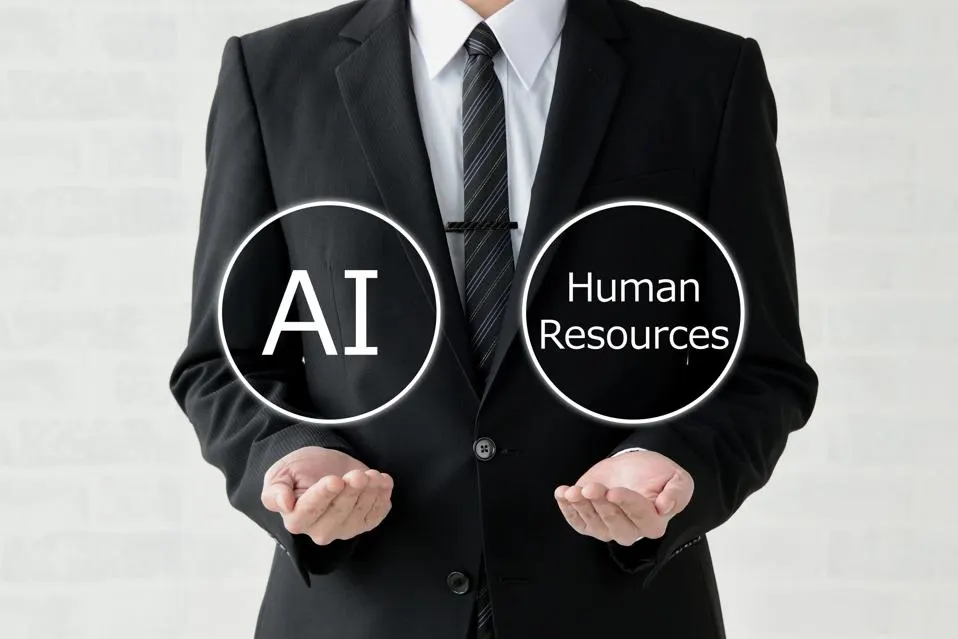
Top AI Prompt Frameworks for HR & Recruitment
Below are proven prompt structures you can use immediately, plus how My Magic Prompt can make them even sharper.
1. Job Ad Creation Prompt
Why it works: Well-structured prompts ensure your job posts are clear, compelling, and aligned with your brand voice.
Example Prompt:
“Act as an experienced HR recruiter. Write a job ad for a [Job Title] in [Industry] requiring [Key Skills]. Highlight company culture, role responsibilities, and required qualifications in a friendly but professional tone. Include a short, engaging headline.”
💡 My Magic Prompt Tip: Save your job ad template as a reusable prompt in the Magic Prompt Chrome Extension so every role posting starts with a proven format.
2. Candidate Screening Summary Prompt
Why it works: AI can synthesize long resumes into quick, role-relevant summaries.
Example Prompt:
“Summarize this candidate’s resume for a [Job Title] role. Focus on relevant skills, past achievements, and cultural fit indicators. Provide a bullet-point list of strengths and potential red flags.”
🔗 See more screening templates in our Prompt Builder.
3. Interview Question Generation Prompt
Why it works: Role-specific interview questions ensure fairness and structure.
Example Prompt:
“Create 10 behavioral and technical interview questions for a [Job Title] role in [Industry]. Base questions on the following job description: [Paste JD]. Include follow-up probing questions.”

4. Offer Letter Drafting Prompt
Why it works: AI speeds up offer letter preparation while maintaining legal and tone standards.
Example Prompt:
“Draft a professional job offer letter for a [Job Title] at [Company Name]. Include compensation, start date, benefits, and a friendly closing statement.”
Best Practices for HR Prompt Writing
- Be specific – Always include role, industry, and key requirements.
- Add context – Paste job descriptions, resumes, or competency frameworks.
- Specify format – Ask for bullet points, tables, or paragraphs.
- Iterate – Refine prompts based on AI’s first response.
How My Magic Prompt Makes This Easier
Instead of starting from scratch every time:
- Prompt Templates: Ready-to-use HR prompts for screening, job ads, and onboarding.
- Prompt Builder: Customize and save your own AI prompt library.
- One-Click Chrome Extension: Use prompts directly inside ChatGPT, Claude, or Gemini without switching tabs.
FAQs: AI Prompts for HR
1. What’s the difference between a good and bad AI prompt in HR?
A good HR prompt is specific, structured, and includes context. A bad prompt is vague and open-ended, leading to generic results.
2. Can AI replace recruiters?
No — AI enhances efficiency but can’t replace the human judgment needed for cultural fit and nuanced decision-making.
3. How can I organize my HR prompts?
Use tools like My Magic Prompt’s Prompt Builder to categorize by workflow (sourcing, screening, onboarding).
4. Is AI safe to use for candidate screening?
Yes, but always verify results for accuracy and bias. Use AI as a support tool, not the sole decision-maker.
5. What’s the fastest way to create job ads with AI?
Save a structured prompt template in My Magic Prompt, then adjust only the role-specific details.
Final Thought
AI won’t replace your role as a recruiter — but the right prompts can give you superhuman speed in candidate sourcing, job ad writing, and interview prep.
If you want to skip the trial-and-error and start with battle-tested HR prompt templates, check out My Magic Prompt and the Magic Prompt Chrome Extension.