

10 Chrome Extensions That Replace Half Your SaaS Stack
June 25, 2026
7 Chrome Extensions That Make ChatGPT Actually Useful
June 26, 2026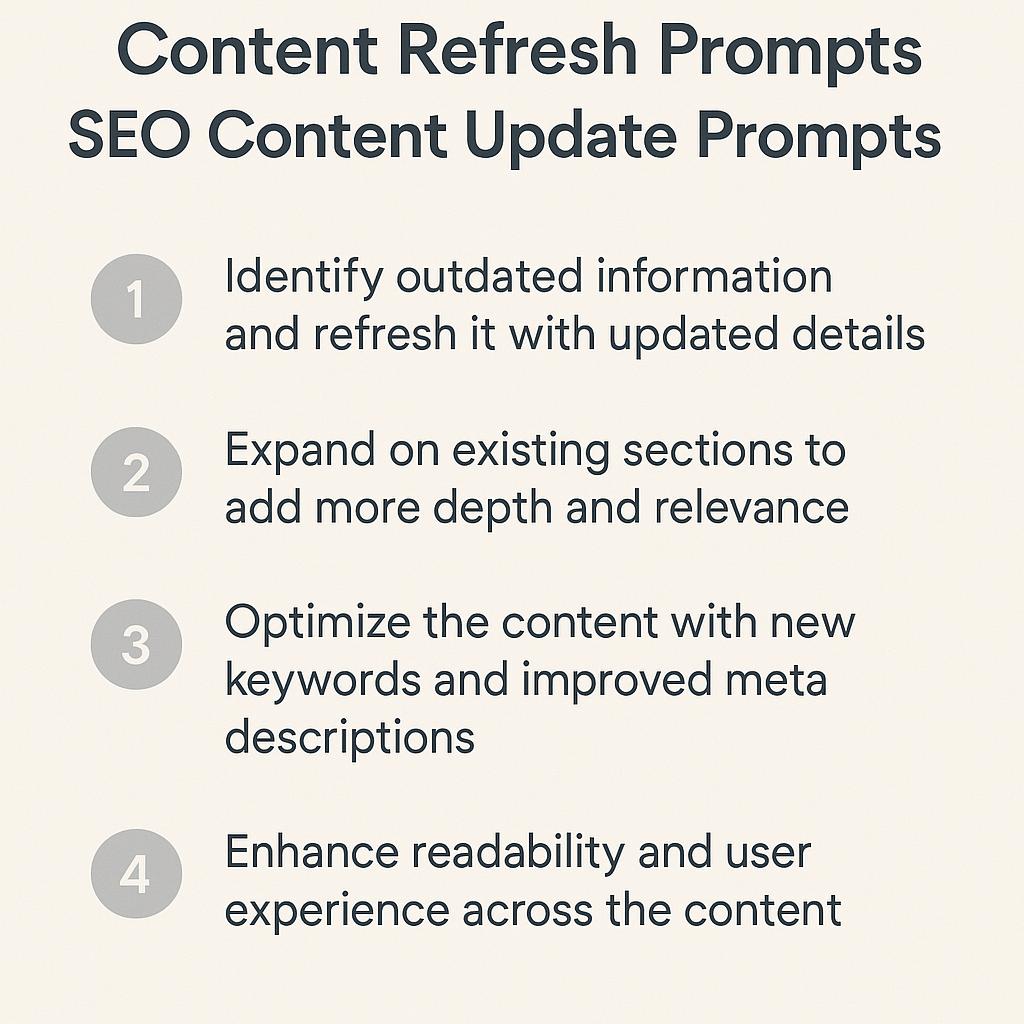
5 Ways a Chrome Prompt Extension Saves You Hours Each Week
Ever spent ages refreshing outdated blog posts or reworking web copy, only to realize you’ve just scratched the surface? You’re not alone. Content creators, marketers, and busy professionals all face the time crunch of keeping articles fresh and optimized for SEO. The good news? Chrome prompt extensions like MagicPrompt are changing the game, supercharging how we use AI for content productivity.
How Chrome Prompt Extensions Transform Content Updates
Let’s dive into five practical ways a Chrome prompt extension can save you hours each week—helping you master content refresh prompts, surface SEO content update opportunities, and unlock your workflow’s full potential.
1. Instantly Generate Content Refresh Prompts
- Use extensions to generate targeted prompts for updating old articles—think “Rewrite intro for 2024 trends” or “Add a recent case study example.”
- Get AI-powered suggestions right inside your browser, so you never need to leave your workspace.
- MagicPrompt’s Chrome extension makes it easy to create and apply content refresh prompts in just a click.
2. Improve Structure and Readability On the Fly
- Prompt AI to suggest new subheadings, bullet points, or FAQs for improved readability and SEO.
- Quickly reorganize sections or paragraphs with “restructure this section for clarity.”
- Consistently polish old drafts, making your workflow less manual and more strategic.
3. Uncover and Fill Content Gaps
- Use SEO content update prompts to ask, “What’s missing in this article that competitors cover?”
- Identify trending topics or questions to add, ensuring your content remains relevant.
- Leverage AI suggestions to maintain topical authority in your niche (see content gap analysis for deeper strategy).
4. Refresh Meta Titles and Descriptions Effortlessly
- Prompt AI to generate multiple meta title and description options tailored to your keywords.
- Quickly A/B test new metadata for improved click-through rates, right from your browser.
5. Streamline Prompt Engineering for Teams
- Save and reuse your best-performing content refresh prompts for future updates.
- Share prompt templates with your team for consistent, high-quality content refreshes.
- Maintain an organized prompt library, making onboarding and collaboration easier than ever.
FAQs: Chrome Prompt Extensions for Content Updates
- What are content refresh prompts?
- Content refresh prompts are AI-generated instructions that help you update, rewrite, or optimize existing articles to stay relevant and boost SEO.
- How do SEO content update prompts help improve rankings?
- These prompts identify gaps, outdated sections, or keyword opportunities—making it easier to enhance your content for search engines and users.
- Can a Chrome prompt extension work with any AI chatbot?
- Most prompt extensions, like MagicPrompt, are designed to generate high-quality prompts for popular AI chatbots such as ChatGPT, Claude, and Gemini.
- Do I need technical skills to use a prompt extension?
- No! Chrome prompt extensions are user-friendly and require no coding—just install, click, and start prompting smarter.
- How often should I refresh my website’s content?
- It’s smart to review and update key articles every 3-6 months, or whenever your analytics suggest declining traffic or outdated information.
Ready to Save Time and Work Smarter?
If you’re eager to spend less time updating articles and more time on high-impact projects, consider exploring My Magic Prompt. With the right Chrome prompt extension, you’ll turn content refreshes from a chore into a competitive advantage—no hustle, just smart strategy.