Meta Description: Boost remote team productivity with the best ChatGPT prompts for remote teams. Discover 10 hacks for meetings, collaboration, and communication.
Introduction: The Remote Work Efficiency Challenge
Remote work has shifted from being an emergency solution to a long-term norm. But with distance comes challenges — misaligned communication, scattered workflows, and endless back-and-forth messages.
For managers, time and clarity are the currency of success. That’s why more teams are turning to AI tools like ChatGPT — not just to automate tasks, but to improve collaboration, decision-making, and creativity.
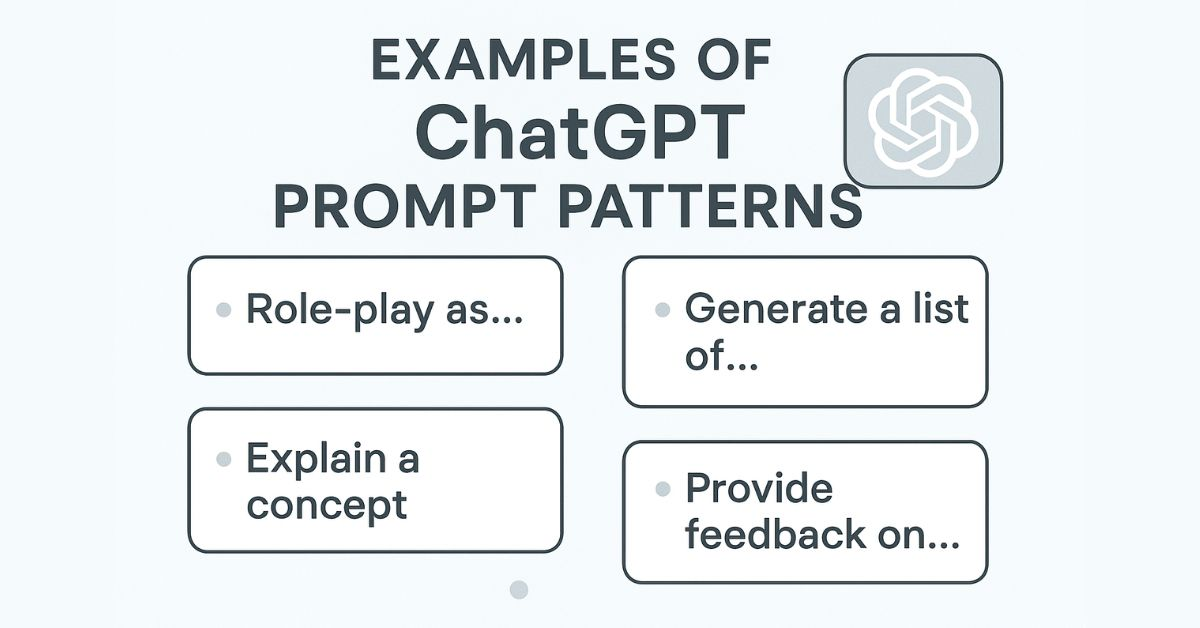
The real secret? The best ChatGPT prompts for remote teams aren’t random — they’re engineered for speed, context, and precision.
Why Remote Teams Need Better Prompts
When your team works across time zones, every unclear instruction can lead to a 12-hour delay. Prompts bridge that gap by:
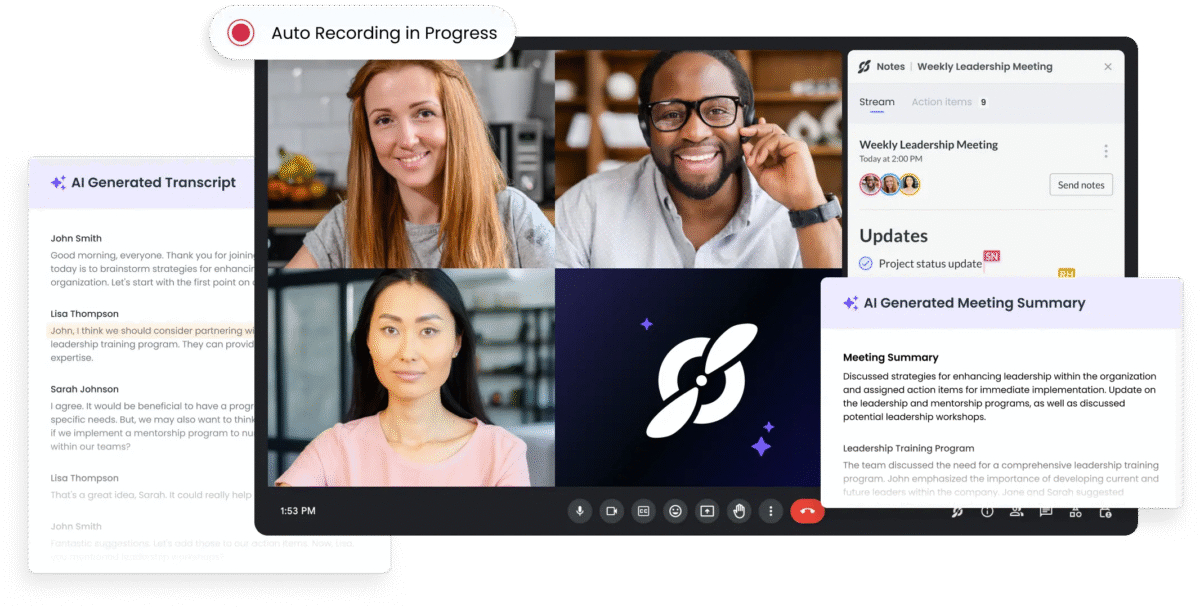
Producing clearer meeting notes
Generating structured action plans
Creating consistent messaging for clients and internal updates
Helping brainstorm solutions when teammates aren’t online
With the right prompt structures, ChatGPT becomes less of a chatbot — and more of a virtual project manager.
10 ChatGPT Hacks for Remote Teams
Below are practical, ready-to-use prompt examples plus tips for customizing them in My Magic Prompt.
1. Meeting Agenda Generator
Prompt:
“Create a 30-minute meeting agenda for a remote team discussing Leadership. Include time blocks, discussion points, and pre-meeting reading materials.”
1. What’s the difference between a good and bad ChatGPT prompt? A good prompt is specific, clear, and includes context. A bad one is vague and open-ended.
2. Can I use the same prompts for different tools like Claude or Gemini? Yes — with slight adjustments, most prompts work across AI tools.
3. How can I organize my team’s prompts? Use My Magic Prompt’s Prompt Builder to store prompts by category (meetings, updates, brainstorming).
4. Will ChatGPT replace project managers? No — it supports them by handling repetitive documentation and drafting tasks.
5. How can ChatGPT help with time zone challenges? It can suggest overlapping work hours, async workflows, and communication templates.
Final Thought
Remote work is here to stay — and so is the need for clear, efficient communication. By using the best ChatGPT prompts for remote teams, you can cut through delays, boost productivity, and keep everyone aligned no matter where they are.
With My Magic Prompt, you can skip the trial-and-error and start with battle-tested remote team prompts that actually work.