
Why Inputs Matter More Than Prompt Length
July 13, 2026
How to Turn Prompts Into SOPs
July 14, 2026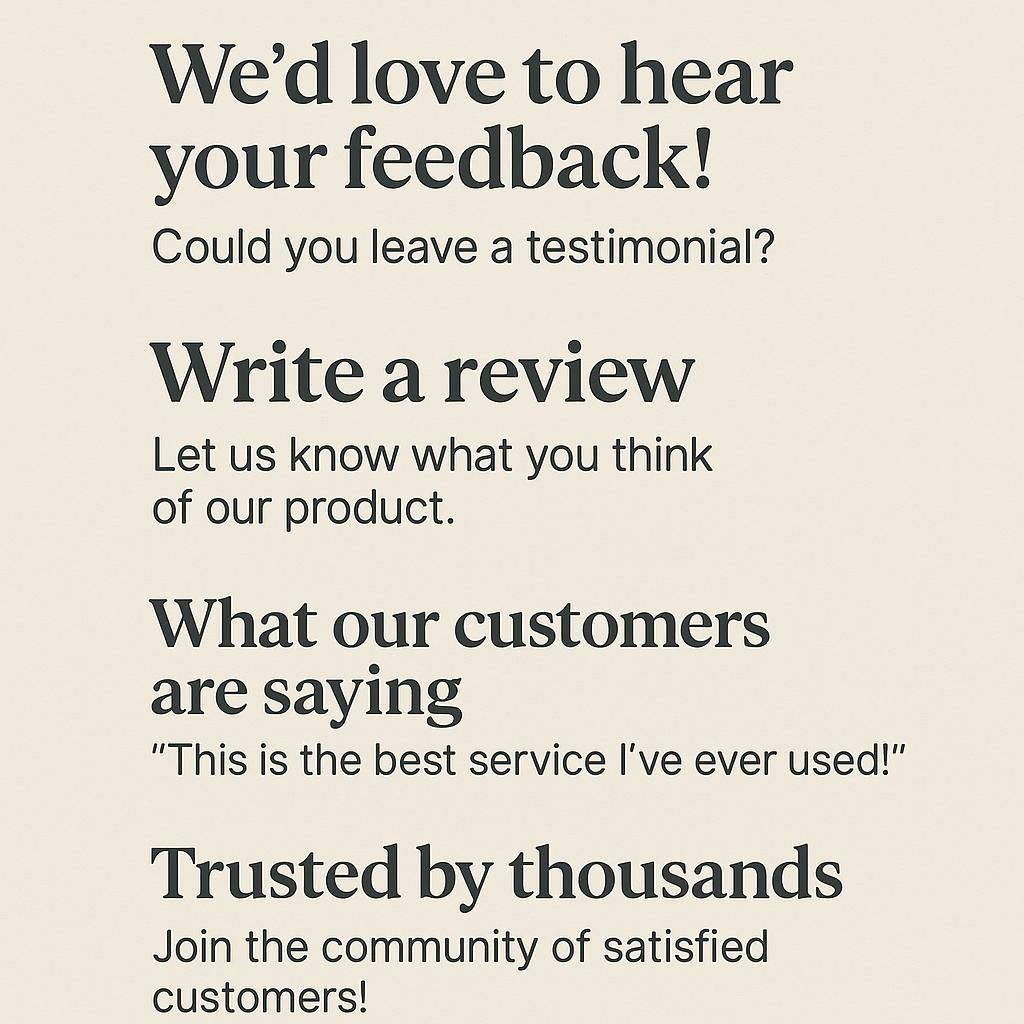
How to Create Prompt Templates for Client Intake Forms
Ever feel like your client testimonials are just… okay? You know they’re happy, but their reviews sound generic—”Great service, would recommend!” What if your intake forms could spark richer, story-driven testimonials, giving you social proof that actually moves the needle? Enter prompt templates: your secret weapon for gathering stronger reviews, sharper proof, and turning client feedback into marketing gold.
Why Prompt Templates Matter for Testimonials & Reviews
Most clients want to help, but they’re unsure what to say. By embedding testimonial prompts and review request prompts into your intake forms, you:
- Guide clients to share specific, persuasive details
- Extract authentic stories and outcomes
- Build a library of social proof copy you can actually use
With the right prompts (and a tool like My Magic Prompt), you can get better testimonials—faster, and at scale.
Framework: Building Effective Prompt Templates
Here’s a simple method for creating high-impact testimonial prompts:
- Start with context: Remind them of the project or service you delivered.
- Ask for specifics: Encourage details about problems solved or results achieved.
- Invite emotion: Let them express how they felt before and after working with you.
- Prompt for proof: Request quantifiable outcomes, if possible.
Here are some plug-and-play examples:
- “What specific challenge did you face before working with us, and how has your situation improved?”
- “Can you share a measurable result or highlight that stands out from our collaboration?”
- “How did you feel about [problem] before, and how do you feel now?”
- “What would you tell someone considering our service?”
Pro tip: Use MagicPrompt’s Chrome Extension to generate, remix, or personalize these prompts in seconds.
Best Practices for Prompt-Driven Intake Forms
- Keep it concise: Use 2-4 prompts per form to avoid overwhelming clients.
- Make it easy to answer: Offer optional sentence starters or bullet points.
- Test and iterate: Review responses and tweak prompts for clarity or impact.
- Automate where possible: Integrate prompt templates with your favorite forms tool for a seamless workflow.
Checklist: Crafting Your Own Testimonial Prompt Template
- ✅ Is the prompt clear and jargon-free?
- ✅ Does it encourage stories, not just adjectives?
- ✅ Will it elicit details you can use in marketing copy?
- ✅ Have you tested the prompt on a colleague or friend?
For even more inspiration, check out Zapier’s guide to customer testimonial questions and Copy.ai’s testimonial tips.
FAQ: Prompt Templates for Testimonials & Social Proof
What are testimonial prompts?
Testimonial prompts are carefully crafted questions or statements designed to help clients share detailed, authentic feedback about their experience. They guide clients to provide responses you can turn into powerful social proof copy.
How do prompt templates improve review requests?
Prompt templates simplify the review process for clients, making it more likely they’ll respond thoughtfully. This leads to richer, more actionable testimonials you can use in marketing materials.
What should I include in a client intake form to get better testimonials?
Include 2-4 specific, open-ended prompts that encourage clients to describe their problem, the solution you provided, and the results or feelings they experienced.
How can AI help with testimonial and review prompts?
AI tools like My Magic Prompt can generate, customize, or iterate on testimonial prompts, saving you time and helping you collect better feedback at scale.
Can I automate testimonial prompt collection?
Yes! Many form tools and Chrome extensions let you embed prompt templates and automate follow-ups, streamlining your testimonial collection process.
Ready to Upgrade Your Intake Forms?
Smart prompt templates can transform your client testimonials from bland to brilliant. Explore how My Magic Prompt can help you generate, test, and refine review request prompts in less time—so your social proof always stands out.